Fines and fees
A ledger of charges and payments, cash register sessions, receipts and an outstanding-balances view, in rupees.
Library management, Koha-compatible
Lumina brings the circulation desk, the catalogue, patrons, fines, acquisitions and a public catalogue (OPAC) into one product, with a way to move across from an existing Koha installation.
The demo runs on sample data, needs no sign-up, and nothing you do in it is saved.
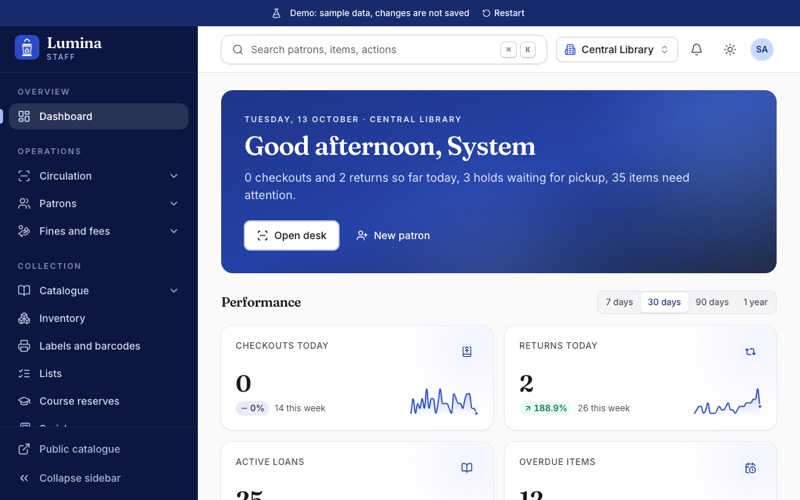
Staff and members share one account system. What each person sees depends on their role and permissions.
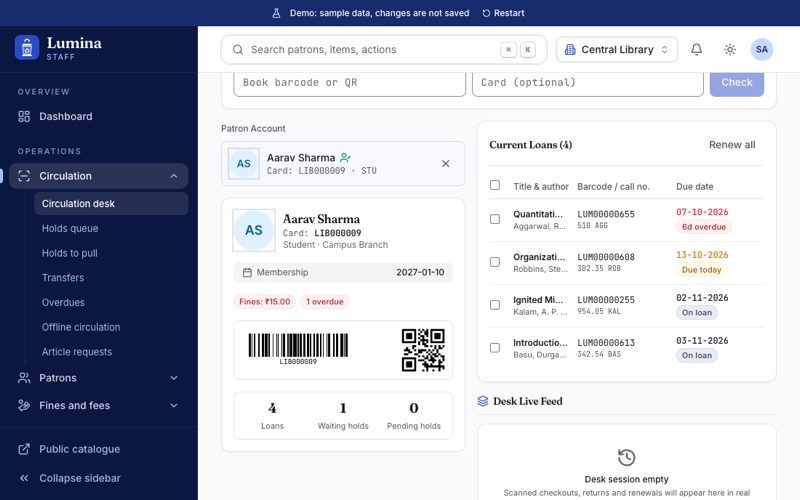
Check items out and in, renew, place and fill holds, take fines and handle transfers from one desk screen.
Create and edit MARC21 records and items, keep authorities, and run vendors, funds, orders, invoices and serials.
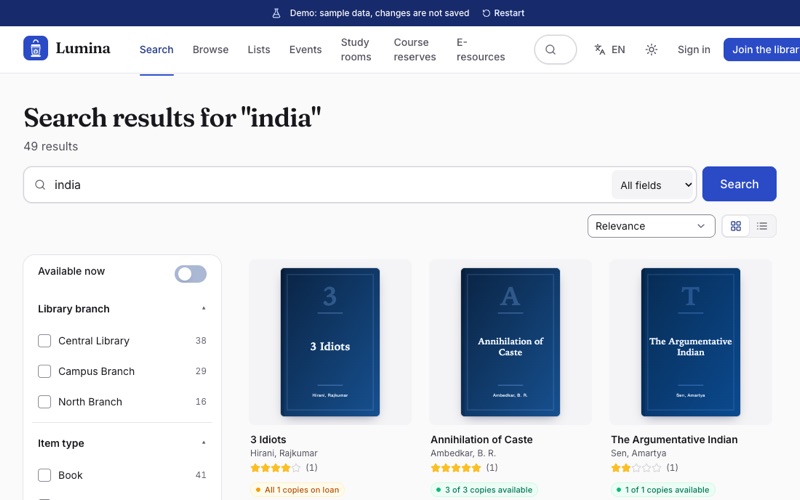
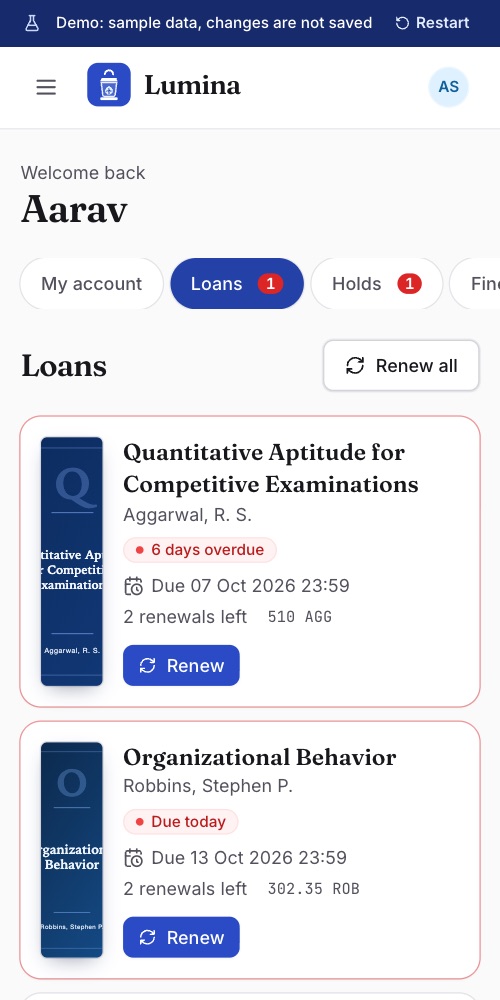
Search the catalogue, see availability, place holds, renew loans, check fines and manage reading lists from a phone or a desktop.
Set circulation rules, roles, notices and system preferences, review the audit log and migrate from Koha.
Capabilities that exist in the application now, nothing more.
Circulation
Catalogue and OPAC
A ledger of charges and payments, cash register sessions, receipts and an outstanding-balances view, in rupees.
Vendors, funds and budget periods, baskets, orders, receiving, invoices and purchase suggestions from members.
Subscriptions with expected issues, receiving, claims and routing slips.
Events with registration, room and equipment booking, clubs and reading challenges.
Built-in reports, a guided report builder and a SQL report box, with export.
Track agreements, licences and packages, and manage inter-library loan requests.
Roles and permissions, an audit log of staff actions, scoped API clients and webhooks.
Companion apps for staff and members are in development. The web app works on a phone today.
Coming from Koha
Lumina is an independent product. It is Koha-compatible in the sense that it can import Koha data and follows familiar library concepts; it is not Koha, and is not affiliated with or endorsed by the Koha community.
The demo opens into a working library. Pick a role and click around.
No account and no sign-up. It runs entirely in your browser.
Administrator, librarian, student member or faculty member, each with one click. The public catalogue needs no sign-in at all.
Check out a book, register a patron, collect a fine or renew a loan. Changes show up straight away and disappear when you reload.
Libraries that want a full integrated library system: academic, school and public libraries, especially in India, and libraries that run Koha today and want to move.
No. It uses made-up patrons, books and amounts, and it never contacts a server. Anything you change in it lives only in your browser tab and is gone when you reload.
No. Lumina is a separate system. It can import data from a Koha installation and covers the same everyday library work, but it is not Koha and is not affiliated with the Koha project.
The interface is available in English and Hindi, and the catalogue stores records in any script, including Devanagari.
The application has online fine payment through a payment provider (Razorpay) when you configure one, and staff can record payments at the desk with receipts. The demo does not move any money.
Open the app and sign in with the account your administrator gave you. If you do not have an account yet, the demo is the quickest way to see whether Lumina fits.